
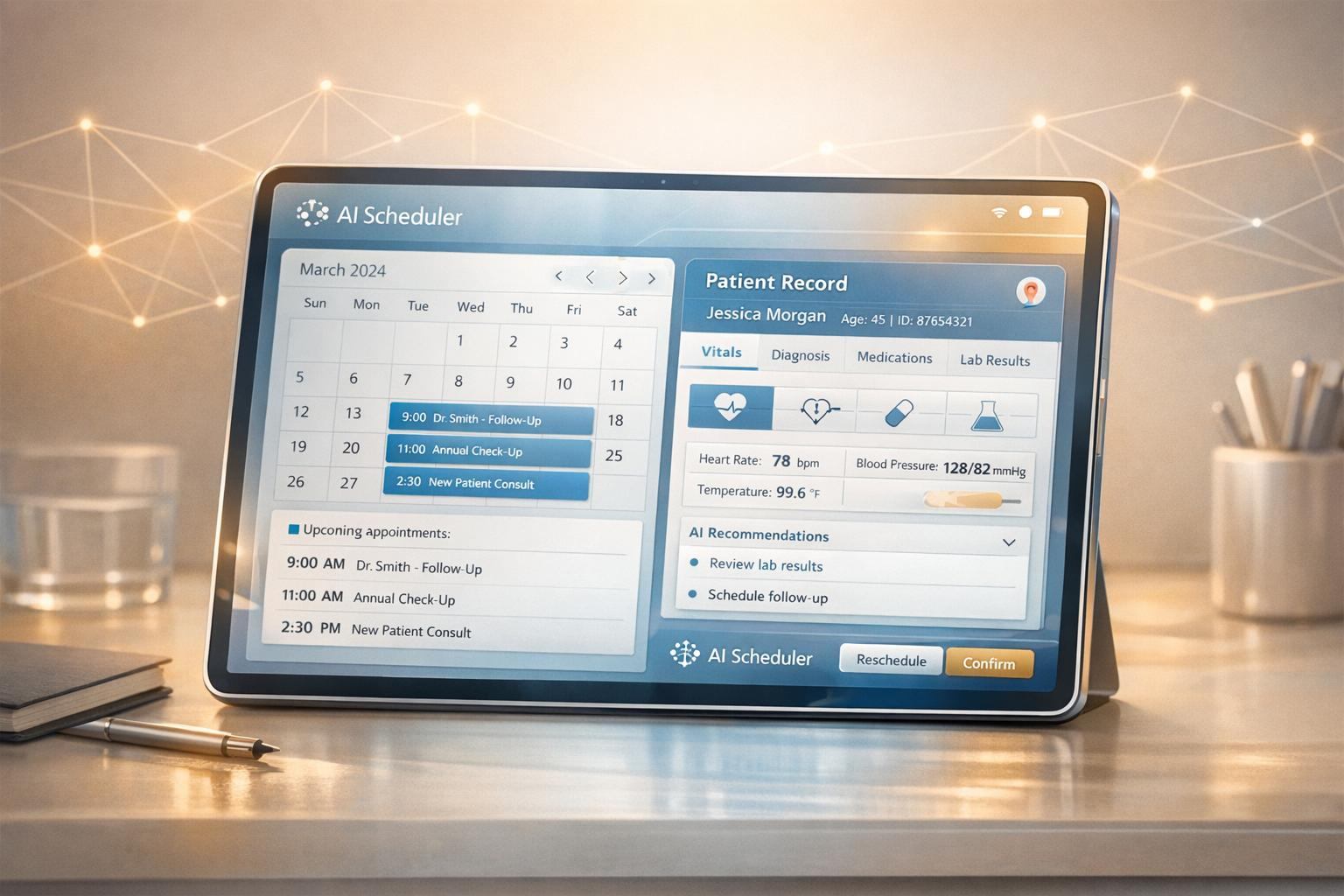
AI scheduling tools are transforming healthcare operations by automating appointment management, reducing no-shows, and integrating seamlessly with EMR systems. These tools use machine learning to predict patient demand, optimize schedules, and cut down on administrative burdens. Here's why they matter:
- Reduce No-Shows: Predictive analytics and automated reminders lower missed appointments by 20 to 30%, saving clinics significant revenue.
- EMR Integration: Secure APIs (like HL7/FHIR) enable real-time updates between scheduling tools and EMR systems, eliminating manual data entry.
- Address Staffing Challenges: With a projected shortage of 100,000 healthcare workers by 2028, these tools help clinics manage resources efficiently.
- Improved Efficiency: Clinics using AI scheduling have reported fewer no-shows, reduced overtime, and better patient flow.
To choose the right tool, prioritize bi-directional EMR integration, compliance with standards like HIPAA, and features like predictive no-show analytics. Regular training and monitoring ensure successful implementation and long-term benefits. Tools like Diagna further streamline workflows by automating referrals, prior authorizations, and fax management.
AI Scheduling Tools Impact on Healthcare: Key Statistics and ROI
Benefits of AI Scheduling Tools for Clinics
Better Scheduling Accuracy and Fewer No-Shows
AI scheduling tools use appointment data and trends to predict busy times. By analyzing these patterns, clinics can allocate time slots based on actual demand rather than relying on estimates.
Missed appointments have a hefty financial cost. For U.S. physicians, a single no-show can result in a loss of $150 to $300. Across the healthcare industry, no-shows account for about 14% of daily revenue, which adds up to an eye-watering $150 billion annually.
Automated reminders sent through SMS, email, or voice calls can cut no-show rates by 20% to 30%. Among these, SMS stands out, with 90% of text messages being read within just three minutes.
Additionally, AI can identify patients who are more likely to miss their appointments, enabling smart overbooking. When cancellations happen, the system acts quickly, notifying waitlisted patients to fill the gap. This approach keeps patient flow steady and maximizes revenue.
These improvements in scheduling also pave the way for seamless integration with electronic medical records (EMR).
Direct Integration with EMR Systems
AI scheduling tools can connect directly with EMR systems through secure APIs, ensuring instant updates across both platforms. For instance, if a patient books, cancels, or reschedules via an AI chatbot, the EMR is updated in real time. This two-way synchronization keeps records accurate and reduces the risk of double bookings or outdated information.
This level of integration is especially valuable in light of current staffing challenges. Between 2021 and 2023, hospital labor costs rose by over $42.5 billion, and by 2028, the U.S. is expected to face a shortage of 100,000 healthcare workers. Tools that reduce administrative workloads are more critical than ever.
"With Suki ambient documentation, I can pull the pieces and parts from ambient as well as maintain the other pieces I use in Epic. The ambient-generated content flows into Epic seamlessly from my note." - Dr. Bobby Dupre, CMIO, FMOL Health
Beyond streamlining data, direct EMR integration allows AI to pre-assess symptoms and prioritize urgent cases, ensuring patients with immediate needs are scheduled promptly and appropriately.
This integration doesn’t just improve data accuracy - it enhances the overall experience for both clinic staff and patients.
Better Experience for Patients and Staff
AI-powered automation takes a significant load off clinic staff by minimizing administrative tasks. For example, AI has helped reduce after-hours charting, an issue that previously impacted 89% of providers. This burden has been reduced by 48%, giving clinicians more time back in their day. In 2025, Northwestern Medicine implemented AI-driven workflows and ambient documentation, saving physicians about 24% of their note-taking time. This efficiency allowed them to see an average of 11 more patients each month.
Patients also benefit from AI tools. Automated systems and chatbots allow them to book, reschedule, or cancel appointments at any time. Two-way communication ensures they can respond quickly to reminders, with updates instantly reflected in the EMR.
AI also enhances the quality of in-person interactions. When ambient technology captures conversations and generates notes automatically, providers can focus fully on their patients instead of being distracted by manual data entry.
| Feature | Benefit for Staff | Benefit for Patients |
|---|---|---|
| Automated Scheduling | Cuts down manual phone work and data entry | 24/7 access to book or modify appointments |
| Ambient AI Scribing | Frees up time spent on after-hours charting | Allows for more focused, personalized care |
| Predictive Reminders | Keeps the clinic running at full capacity | Sends timely, personalized reminders |
| AI Chatbots | Handles routine questions and tasks | Provides instant answers to common queries |
How to Evaluate AI Scheduling Tools for EMR Compatibility
What to Look For
When evaluating AI scheduling tools, a key factor is how well the tool integrates with your EMR system. Look for bi-directional integration, which allows the tool to both retrieve real-time availability from your EMR and update it without requiring manual input. Avoid tools with one-way integration, as they can lead to errors and inefficiencies due to manual data transfers. This two-way functionality ensures smoother workflows and fewer scheduling headaches.
Interoperability is another critical consideration. The tool should support FHIR and HL7 standards to facilitate seamless data exchange. With over 80% of healthcare organizations in the U.S. emphasizing interoperability in their digital strategies, these standards are becoming non-negotiable. Additionally, the tool should normalize data using terminologies like SNOMED, ICD-10, and LOINC, which help prevent errors in data mapping.
Security and compliance are essential when dealing with sensitive patient information. The tool must adhere to HIPAA regulations, include a signed Business Associate Agreement (BAA), and have SOC 2 Type II certification. Encryption standards such as AES-256 for data at rest and TLS for data in transit are vital for protecting patient data. Role-Based Access Control (RBAC) ensures only authorized personnel can access or modify information, and immutable logs provide a reliable audit trail.
On the automation front, prioritize features like predictive no-show analytics, automated patient reminders, and real-time "Smart Sync" updates that refresh availability every 30 seconds or less. Dynamic rescheduling tools can automatically fill canceled appointments via waitlist notifications. For instance, WakeMed Health & Hospitals used Epic's "Fast Pass" waitlist feature, resulting in 75,000 additional visits annually and a 21% boost in outpatient revenue.
Lastly, scalability is crucial. The tool should easily accommodate multiple locations, providers, and specialties without requiring separate setups for each department. For example, a cancer center that implemented AI scheduling for its infusion unit saw a 15% to 40% reduction in patient wait times and staff overtime costs.
For a quick overview, the table below summarizes these key evaluation points.
Feature Comparison Table
| Feature | What to Verify | Why It Matters |
|---|---|---|
| Integration Depth | Bi-directional (two-way) sync, not just read-only access | Prevents manual data entry and scheduling conflicts |
| Interoperability Standards | Support for FHIR (R4) and HL7 (v2) protocols | Ensures compatibility as your EMR system evolves |
| Security & Compliance | HIPAA-compliant, signed BAA, SOC 2 Type II certified | Protects patient data and ensures legal compliance |
| Sync Speed | Real-time updates (under 30 seconds) vs. batch transfers | Keeps schedules accurate and avoids double-booking |
| Automation Features | Predictive no-show modeling, automated reminders, dynamic rescheduling | Reduces missed appointments and revenue loss |
| Scalability | Multi-location support, 200+ specialty types | Supports growth without needing new systems |
| Data Normalization | Uses SNOMED, ICD-10, LOINC, RxNorm | Ensures accurate data mapping across systems |
| Deployment Options | Cloud, on-premises, or hybrid models | Matches your practice's privacy and latency needs |
How to Select an AI Scheduling Tool: Step-by-Step
Step 1: Review Your EMR System and Workflow Needs
Start by evaluating your EMR system's compatibility. Confirm it supports HL7 or FHIR protocols and allows for API-based integrations or third-party modules.
Next, take a close look at your data quality and scheduling workflow. Are your historical records well-organized? Gaps or inconsistencies in data can hinder AI performance. Identify bottlenecks where staff spend too much time on manual scheduling tasks. Measure inefficiencies like no-show rates, unused capacity, and time spent on manual processes.
Check your infrastructure readiness to ensure you have the necessary IT resources, including network security protocols, server capacity, and disaster recovery plans. Collaborate with your network security team early to set up secure data connections between the EMR and the AI system.
| Assessment Category | Key Questions to Ask | Required Documentation |
|---|---|---|
| Interoperability | Does the EMR support HL7/FHIR? Are APIs available? | Technical Specification Sheets |
| Data Quality | Is historical data structured? Are there missing fields? | Data Audit Report |
| Workflow | Where are the manual scheduling bottlenecks? | Current State Workflow Map |
| Compliance | Does the system meet HIPAA standards? | Compliance Certifications / BAA |
| IT Resources | Is there enough server capacity/security for data connections? | Infrastructure Inventory |
With this analysis, you can outline the essential requirements your AI scheduling tool must meet.
Step 2: Define Your Core Requirements
Based on your assessment, establish clear priorities. Your AI scheduling tool should enable bi-directional EMR sync, allowing it to pull real-time availability and write appointments back seamlessly. Make sure the vendor is HIPAA-compliant, SOC 2 certified, and provides a signed Business Associate Agreement (BAA).
Identify the automation features you need, such as predictive no-show analytics, automated reminders, and dynamic rescheduling. These features are key to improving scheduling efficiency and accuracy.
Quantify your current financial losses from no-shows to set a target ROI for your AI investment. For perspective, AI integration in healthcare systems could save up to $360 billion annually by reducing administrative burdens.
Include all stakeholders in your planning - physicians, front desk staff, IT teams, and even patients. Early adopter clinicians can play a crucial role in driving adoption and managing change effectively.
Step 3: Test Integration Features and Request Demos
Ask vendors for demos and test their integration capabilities. Confirm the tool uses API-based, middleware, or cloud-native integration methods. During the demo, verify that patient demographics, history, and insurance details transfer accurately.
Check the sync frequency - top tools provide updates in real time, often within 30 seconds. Ensure the tool can handle complex scenarios like double-bookings, cancellations, and waitlist management. Involve clinical staff in these demos to ensure the tool aligns with their workflows.
Start with a pilot program in one department or clinic to address any unforeseen challenges before rolling it out organization-wide.
Once integration capabilities are confirmed, move on to evaluate pricing.
Step 4: Review Pricing Plans
Take a detailed look at pricing, including subscription fees, implementation costs (setup, EHR integration, and staff training), and ongoing support fees. Most vendors offer a recurring subscription fee, which provides predictable costs for clinics.
Calculate your expected ROI using this formula: (Labor savings + No-show recovery + Throughput increase) - (Subscription + Integration/Support fees). Keep in mind that labor and compensation account for 56-60% of hospital expenses, with labor costs increasing by over $42.5 billion between 2021 and 2023. Use a 60-day pilot to compare actual outcomes with the vendor's projections before scaling.
Ask about the vendor's plans for future features and their ability to support multi-location practices or different specialties as your organization grows.
Step 5: Check Support and Customization Options
Determine whether the vendor provides in-house integration engineering or relies on third-party services, which could impact the reliability and speed of support. Comprehensive staff training is crucial to ensure the tool is seen as a helpful addition rather than a threat to existing roles.
"The success of these tools comes down to one big factor: how well they integrate with your existing systems. Even the smartest AI is only as good as its ability to connect to your data and workflows." - Cassie Pena, Senior Director, Product Management, Artera
Ensure the support package includes system monitoring, help during migrations, and clear escalation paths for handling exceptions. The AI should provide a full audit trail for any handoffs to staff. Assess how much internal IT support will be needed for both setup and ongoing maintenance.
Strong support and customization options will maximize the value of your investment by keeping workflows efficient and adaptable.
Using Diagna for AI Scheduling and EMR Integration
How Diagna Integrates with EMR Systems
Diagna connects seamlessly with any EMR system through bi-directional API connectivity, ensuring real-time data syncing and eliminating the need for manual data entry. It efficiently processes incoming faxes, referrals, and prior authorization requests, updating your EMR to keep schedules and patient records up to date.
This integration is fully HIPAA-compliant, consolidating all processed information into a single, unified inbox. By removing the hassle of switching between systems, Diagna simplifies workflows and sets the foundation for its pre-visit automation tools.
Diagna's Tools: FAXFlo, Referral Manager, and Prior Auth Bot
Diagna tackles common administrative challenges with its suite of automation tools designed to streamline pre-visit workflows:
- FAXFlo: Automatically organizes and processes incoming faxes.
- Referral Manager: Tracks patient referrals, keeping your team on top of follow-ups.
- Prior Auth Bot: Speeds up the completion of prior authorization forms.
These tools integrate directly with your EMR, ensuring patient records are updated without extra effort from your staff. By automating these time-consuming tasks, your scheduling team can focus more on patient care.
How to Optimize AI Scheduling After Implementation
Train Staff on New Workflows
To make AI scheduling a success, it's crucial to train your team on the new workflows. Start by involving staff early in the planning process to pinpoint challenges and ease resistance to change. Highlight how AI can take over repetitive tasks, freeing up time for patient care and more meaningful work.
Training should focus on helping staff interpret AI-generated recommendations, alerts, and predictive data. It's equally important to guide them on when tasks should shift back to human oversight, especially in cases requiring empathy or complex decision-making. Consider rolling out the system in phases - start with a pilot program in one department, gather feedback, and refine training materials before expanding across the organization. Also, make training an ongoing effort. Provide continuous support and share performance data, like reduced no-show rates or better provider scheduling, to demonstrate the tangible benefits of the system.
Once your team is trained, keep a close watch on how the system performs to ensure long-term success.
Monitor and Update the System Regularly
After training, the next step is consistent monitoring. Begin by setting baseline metrics, such as no-show rates, administrative workload, and patient satisfaction. Use real-time dashboards to track key performance indicators (KPIs) like revenue recovery, cost savings, and Net Promoter Scores to measure the system's return on investment (ROI).
Regular system audits are essential to maintain accuracy, safety, and fairness. Collect ongoing feedback from everyone involved - physicians, nurses, front-desk staff, and even patients - to spot and address any workflow issues.
Use Data Insights to Improve Over Time
AI scheduling tools offer powerful insights that can help fine-tune your operations. For example, predictive analytics can flag high-risk patients, allowing you to tailor outreach efforts. Demand forecasting uses factors like seasonal trends, local events, and weather data to predict patient volume and adjust staffing levels accordingly. Appointment complexity mapping analyzes how much time specific visits actually require, helping to avoid overbooking and reducing provider fatigue. In one case, a cancer center's infusion unit cut combined waiting times and overtime costs by 15% to 40% using an AI-driven scheduling approach.
Leverage these insights to refine your messaging, improve scheduling algorithms, and allocate resources more effectively. By doing so, you'll not only enhance efficiency but also create a better experience for both staff and patients.
EPIC integration demo appointment scheduling
Conclusion
AI scheduling tools integrated with EMR systems are transforming healthcare by reducing administrative workloads and enhancing patient care. Considering that labor and compensation account for 56 to 60% of total hospital expenses, automating routine scheduling tasks can significantly cut costs. Missed appointments alone result in an estimated $150 billion in annual losses across the U.S.. On the bright side, AI-powered predictive analytics have already shown promise, lowering outpatient MRI no-show rates from 19.3% to 15.9% in just six months.
A key factor in achieving these results is seamless integration with EMR systems. As of 2025, 96% of U.S. non-federal acute care hospitals have adopted certified EHR technology, creating a strong infrastructure for AI solutions. To ensure success, healthcare providers should focus on solutions supporting HL7 and FHIR protocols, start with pilot programs in specific departments, and invest in staff training to encourage smooth adoption.
Diagna offers specialized tools like FAXFlo, Referral Manager, and Prior Auth Bot to tackle administrative challenges. With bi-directional EMR integration, these tools enable real-time data flow, eliminate manual data entry, and ensure scheduling accuracy - streamlining operations across the board.
The benefits of AI scheduling tools extend far beyond immediate efficiency improvements. With a projected shortfall of 100,000 healthcare workers by 2028, these tools can help clinics optimize their current workforce, reduce burnout, and maintain high-quality care. Ongoing monitoring, staff education, and actionable data insights will further refine workflows and improve patient outcomes over time.
Investing in AI scheduling isn’t just about adopting new technology - it’s about building a resilient practice capable of meeting growing patient demands while delivering exceptional care.
FAQs
How do AI scheduling tools work with EMR systems to enhance clinic efficiency?
AI scheduling tools connect with EMR systems using standard protocols like HL7 or FHIR, or through native APIs, enabling real-time exchange of appointment data. When a patient requests an appointment, the AI analyzes key factors such as provider availability, appointment type, and even no-show history to recommend the most suitable time slot. Once selected, the appointment is automatically added to the EMR schedule, eliminating the need for manual entry and reducing the risk of errors like double-booking.
This integration works both ways - any changes made in the EMR, like cancellations or reschedules, are instantly updated in the AI scheduler. Open slots can be reassigned, or alternative times suggested, all without requiring staff involvement. The AI can also access patient information, such as recent visits or lab results, to make more informed scheduling decisions while aligning with clinic workflows. By automating these tasks, the system saves time, reduces administrative burdens, and frees up staff to concentrate on delivering quality patient care.
What should clinics look for in an AI scheduling tool that integrates with their EMR?
When selecting an AI scheduling tool, clinics should prioritize smooth EMR integration. The ideal tool should automatically sync patient information - like demographics, visit history, and clinical notes - streamlining data entry and minimizing errors. Real-time updates, such as lab results or appointment confirmations, are also crucial for maintaining accurate and efficient scheduling.
Features like intelligent scheduling can make a big difference by predicting no-shows, filling gaps from cancellations, and dynamically adjusting appointment slots to maximize efficiency. Tools that handle related tasks, such as referral tracking or managing prior authorizations, can further reduce the administrative burden, allowing staff to focus more on patient care.
It’s also important to choose a solution that meets U.S. security standards (like HIPAA compliance) and is user-friendly, requiring minimal training for staff. For example, Diagna’s AI-powered platform provides secure, efficient workflows and integrates effortlessly with any EMR, helping clinics streamline their scheduling processes.
How do AI scheduling tools help alleviate staffing challenges in healthcare?
AI scheduling tools take the headache out of staffing by automating tricky scheduling tasks. They can match patient appointment needs with provider availability, smooth out gaps caused by cancellations, and even cut down on no-shows with timely reminders. By simplifying staff allocation and reducing administrative work, these tools help clinics run more smoothly, allowing them to concentrate on what matters most - providing excellent patient care.
Automated data entry
Diagna pulls patient, insurance, and diagnosis details off each document and enters them into the chart. No retyping.
See how Diagna automates EMR data entry