Document Classification Converter
Classify healthcare documents by type, patient ID, and date, tag records for quick search, and keep office files organized with secure handling.
Classify healthcare documents by type, patient ID, and date, tag records for quick search, and keep office files organized with secure handling.
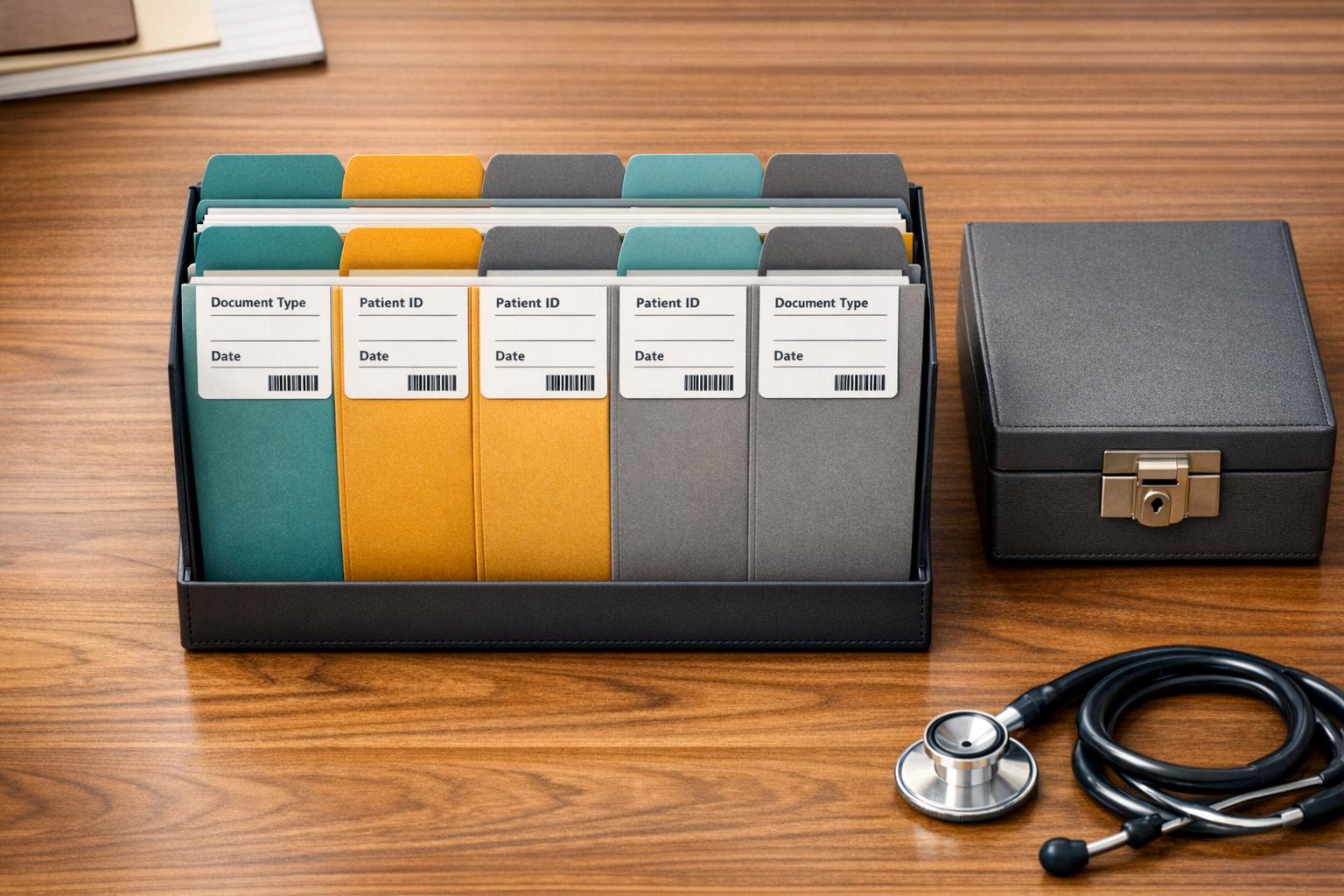
Smarter Document Sorting for Healthcare Offices
Keeping files organized in a busy practice can be harder than it sounds. Between patient charts, claim forms, invoices, and supporting paperwork, teams often waste valuable time searching for the right record. A Document Classification Converter helps bring order to that process by using document metadata such as type, patient ID, and date to suggest the best category automatically.
Built for Faster Retrieval
Instead of manually sorting every file, staff can review suggested labels like Medical Records, Billing Statements, or Insurance Claims and then apply searchable tags for easier lookup later. That means less time spent digging through folders and more time focused on patient service and office efficiency.
Clear Results Without Extra Steps
This healthcare document organizer is designed to show categorized files directly on the page in a clean table or list, along with a quick summary of the classified records. For many offices, that simple visibility is enough to improve consistency and reduce filing errors. A Document Classification Converter also supports a more standardized workflow across front-desk, billing, and records teams.
Privacy Still Comes First
When working with sensitive information, secure handling matters. Always use this type of document categorization tool in a way that supports HIPAA compliance and protects patient data.
FAQs
What kinds of healthcare documents can this tool classify?
The tool is designed for common administrative and clinical file types used in healthcare offices. That includes medical records, billing statements, insurance claims, referral paperwork, intake forms, and similar documents. If your team works with custom categories, the classification logic can also be adapted to reflect your internal filing process.
Does this tool store or export patient documents automatically?
No. The default experience is focused on organizing and displaying classified documents on the page in a clear list or table. There is no automatic download or export built into the workflow unless you specifically request that feature, which helps keep the process simple and controlled.
How should healthcare offices handle privacy and compliance when using a tool like this?
Any document workflow involving patient information should be handled with strong security practices and careful attention to privacy regulations. Healthcare offices should use secure connections, limit access to authorized staff, avoid uploading unnecessary protected health information, and confirm that their process aligns with HIPAA and any local compliance requirements. This tool should always be used within a secure, compliant environment.
Smarter Document Sorting for Healthcare Offices
Keeping files organized in a busy practice can be harder than it sounds. Between patient charts, claim forms, invoices, and supporting paperwork, teams often waste valuable time searching for the right record. A Document Classification Converter helps bring order to that process by using document metadata such as type, patient ID, and date to suggest the best category automatically.
Built for Faster Retrieval
Instead of manually sorting every file, staff can review suggested labels like Medical Records, Billing Statements, or Insurance Claims and then apply searchable tags for easier lookup later. That means less time spent digging through folders and more time focused on patient service and office efficiency.
Clear Results Without Extra Steps
This healthcare document organizer is designed to show categorized files directly on the page in a clean table or list, along with a quick summary of the classified records. For many offices, that simple visibility is enough to improve consistency and reduce filing errors. A Document Classification Converter also supports a more standardized workflow across front-desk, billing, and records teams.
Privacy Still Comes First
When working with sensitive information, secure handling matters. Always use this type of document categorization tool in a way that supports HIPAA compliance and protects patient data.
FAQs
What kinds of healthcare documents can this tool classify?
The tool is designed for common administrative and clinical file types used in healthcare offices. That includes medical records, billing statements, insurance claims, referral paperwork, intake forms, and similar documents. If your team works with custom categories, the classification logic can also be adapted to reflect your internal filing process.
Does this tool store or export patient documents automatically?
No. The default experience is focused on organizing and displaying classified documents on the page in a clear list or table. There is no automatic download or export built into the workflow unless you specifically request that feature, which helps keep the process simple and controlled.
How should healthcare offices handle privacy and compliance when using a tool like this?
Any document workflow involving patient information should be handled with strong security practices and careful attention to privacy regulations. Healthcare offices should use secure connections, limit access to authorized staff, avoid uploading unnecessary protected health information, and confirm that their process aligns with HIPAA and any local compliance requirements. This tool should always be used within a secure, compliant environment.
Get Started With Diagna
AI staff for the administrative work that keeps healthcare teams from patient care.

Essential Pages
Diagna Healthcare Technologies, Inc. All Rights Reserved
Get Started With Diagna
AI staff for the administrative work that keeps healthcare teams from patient care.
Essential Pages
Diagna Healthcare Technologies, Inc. All Rights Reserved
Get Started With Diagna
AI staff for the administrative work that keeps healthcare teams from patient care.
Essential Pages
Diagna Healthcare Technologies, Inc. All Rights Reserved